November 21st, 2025
New
Improved
Feature
Integration
Built for Scale: QuickBooks Batch Ops, Credit Management, Flexible Settlements & More
Every operation is different. This release focuses on flexibility—giving you tools to handle edge cases, automate repetitive tasks, and maintain control as you scale. From batch QuickBooks operations to custom field filtering and manual settlement creation, Vektor now adapts to how you work, not the other way around.
Financial Management
QuickBooks Batch Creation
Push multiple invoices and bills to QuickBooks in one action. Auto-create or link customers at scale directly from the batch creation screen—no more one-by-one entry.
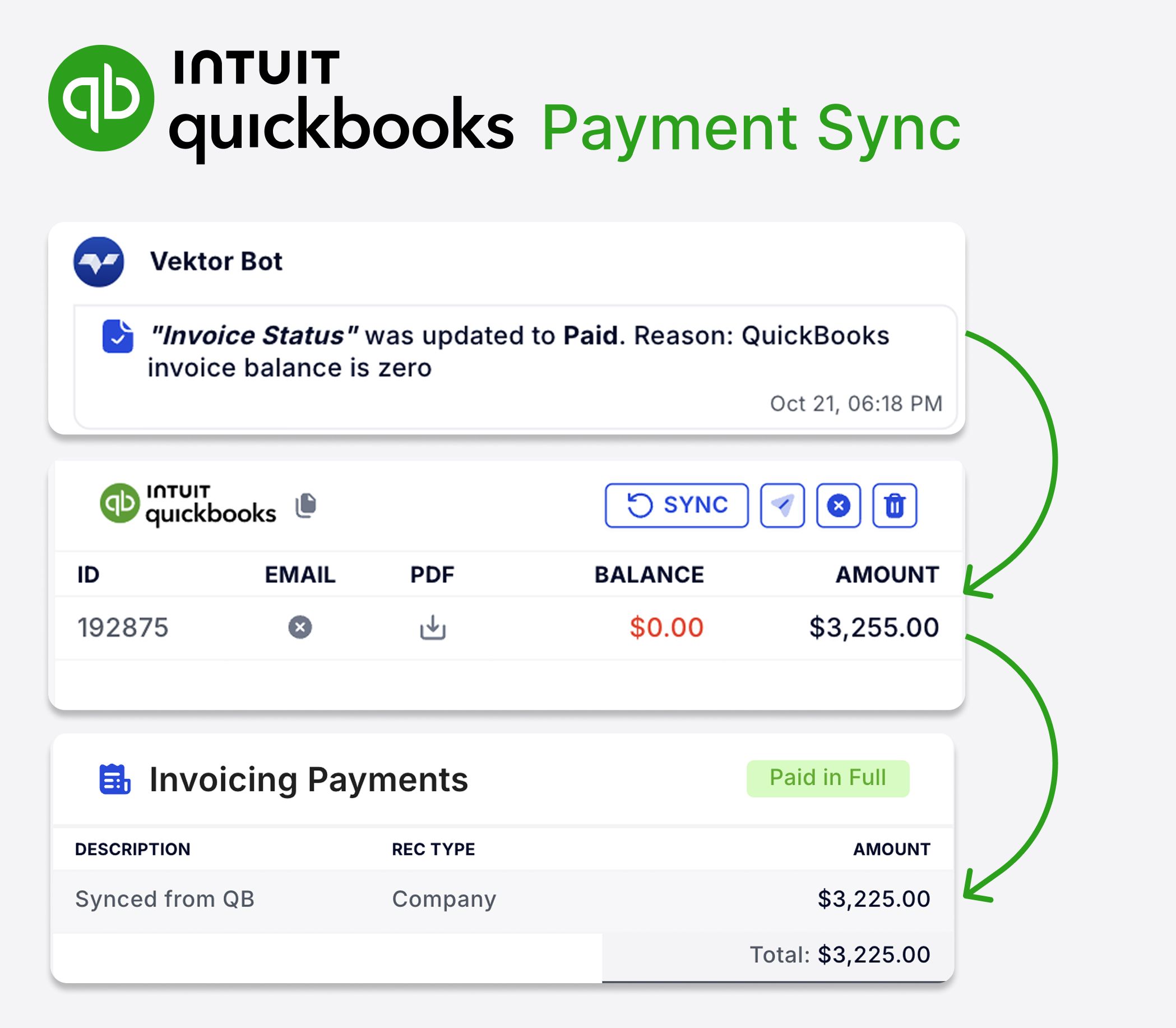
QuickBooks Payment Sync
When payments are recorded in QuickBooks, Vektor automatically updates invoice status to paid or partially paid. Reconciliation just got simpler.
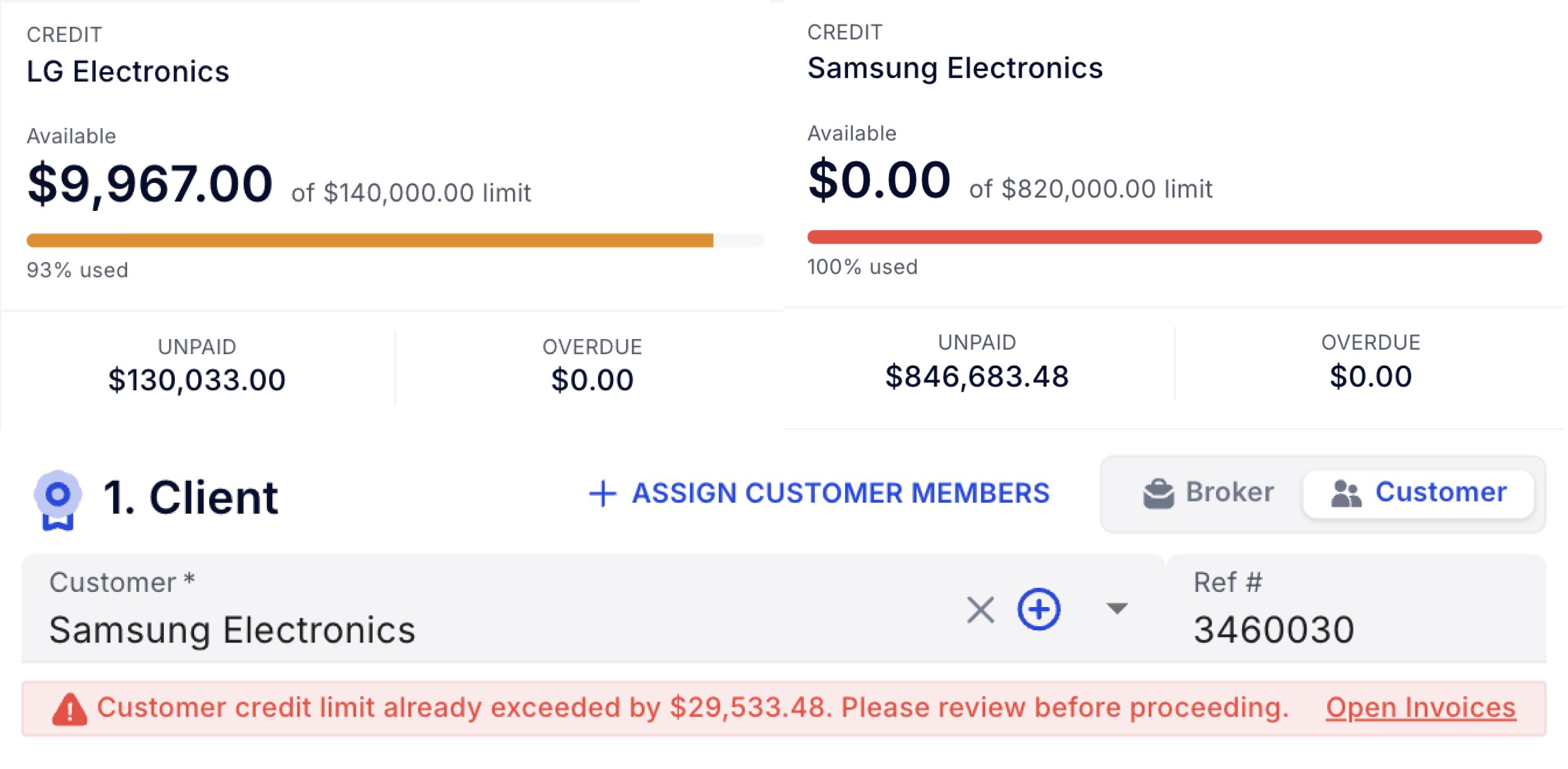
Credit Limit Controls
View each customer's open balance at a glance. New orders are blocked when credit limits would be exceeded, keeping your AR healthy and controllable.
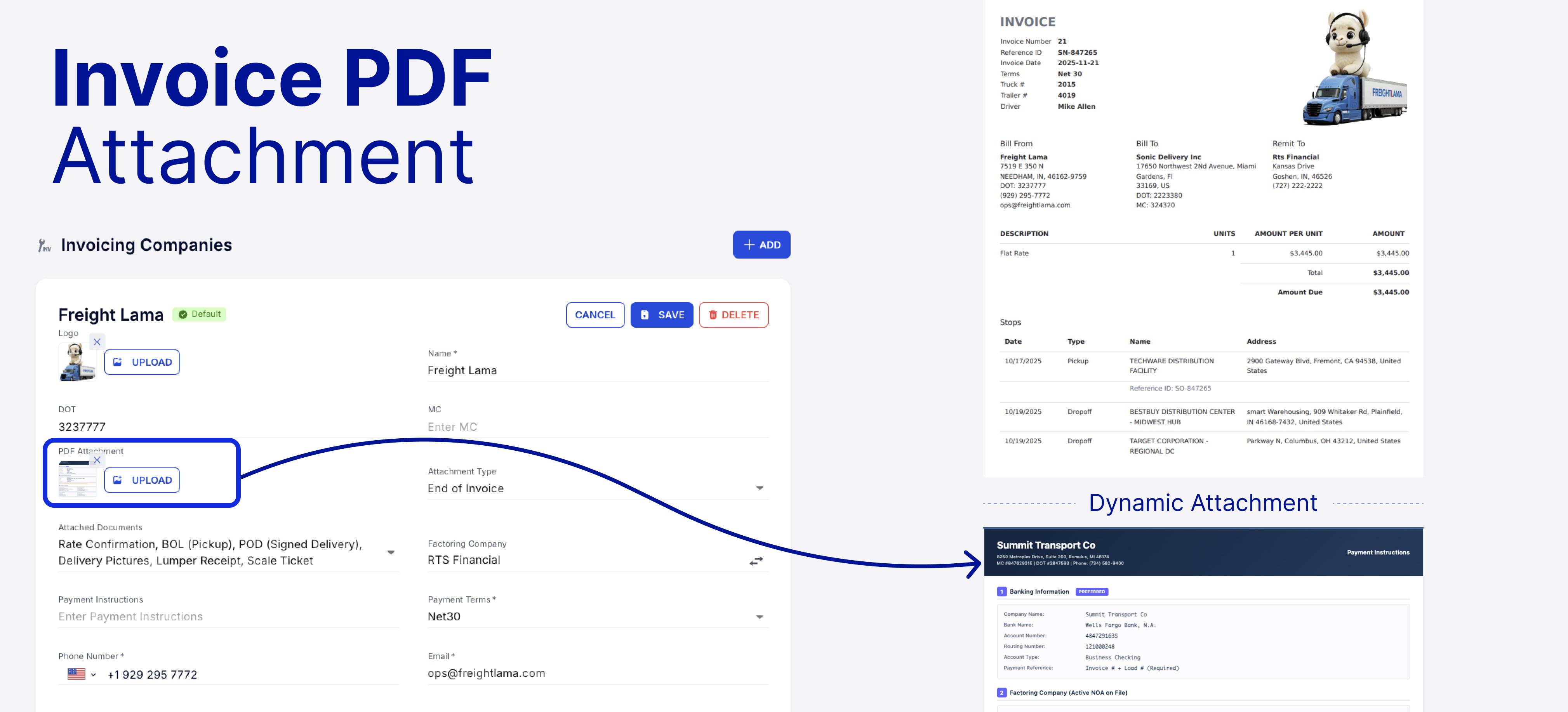
Custom PDF Invoice Attachments
Attach a custom PDF to all invoices—payment instructions, advertising sheets, or general terms. Set it once at the company invoicing preset and forget it.
Operational Flexibility
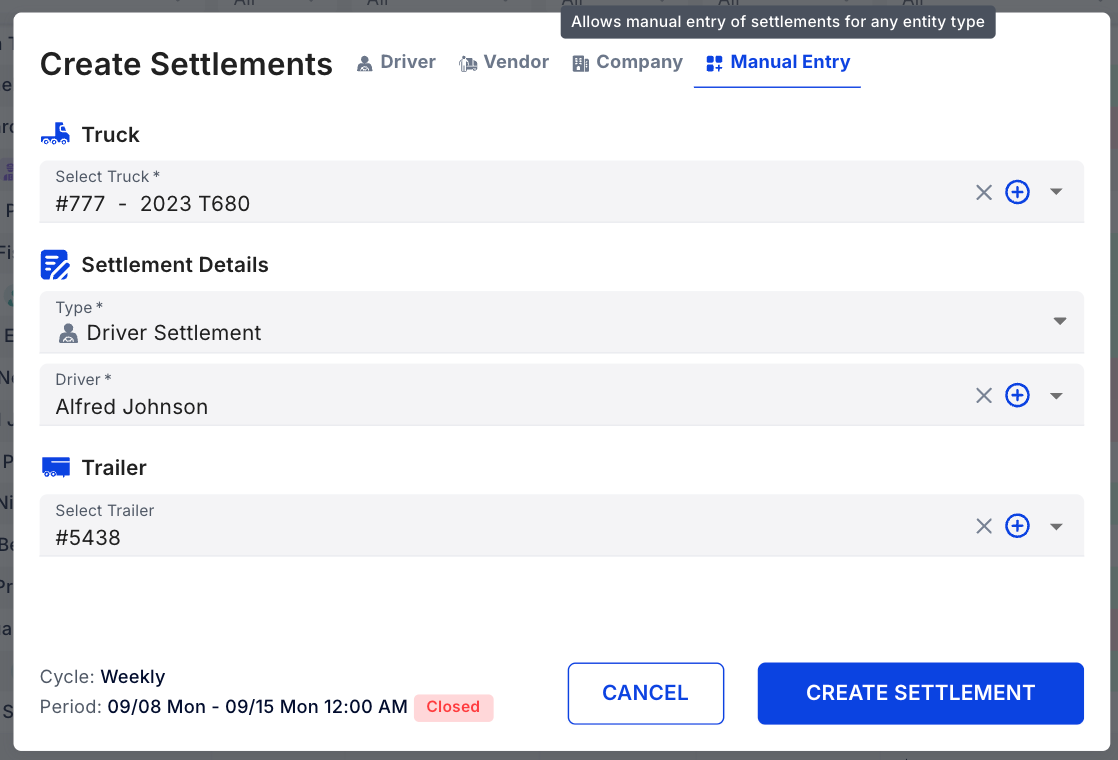
Manual Settlement Creation
Bypass automation when needed. Create settlements with any truck-driver combination—perfect for drivers who switched equipment multiple times in a week.
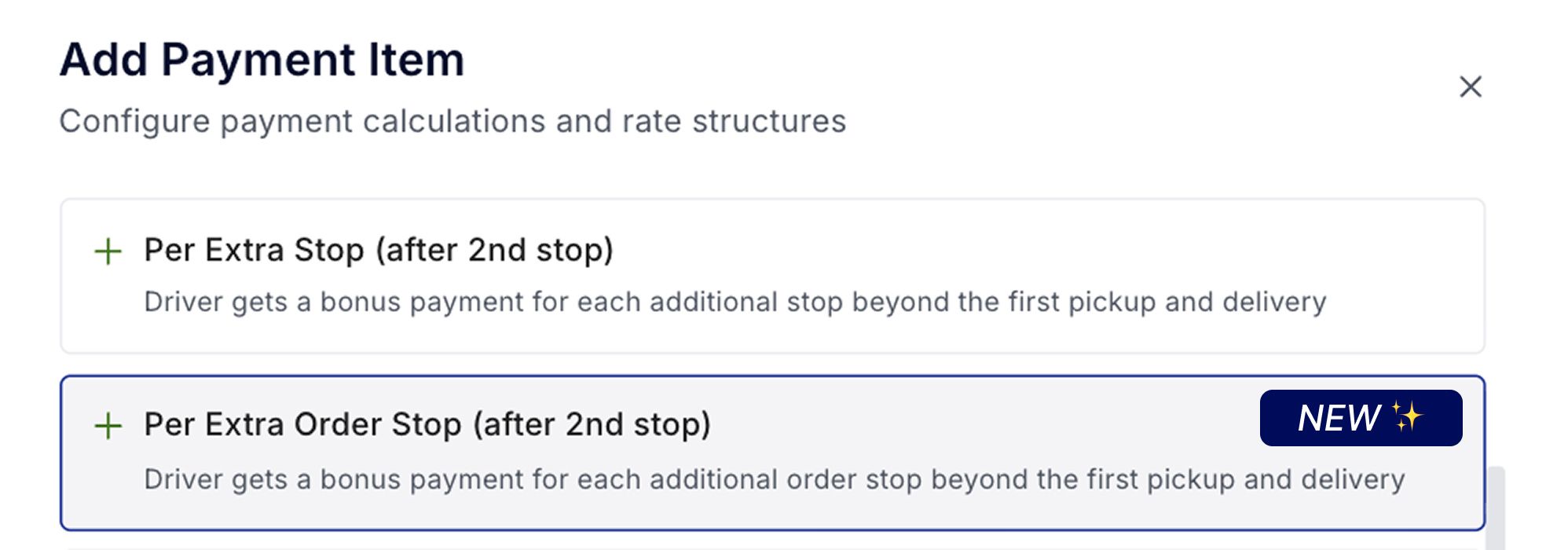
Pay per Extra Order Stop
New revenue type option: pay drivers only for billable (order) stops, excluding deroute stops or trailer moves. More granular control over driver compensation.
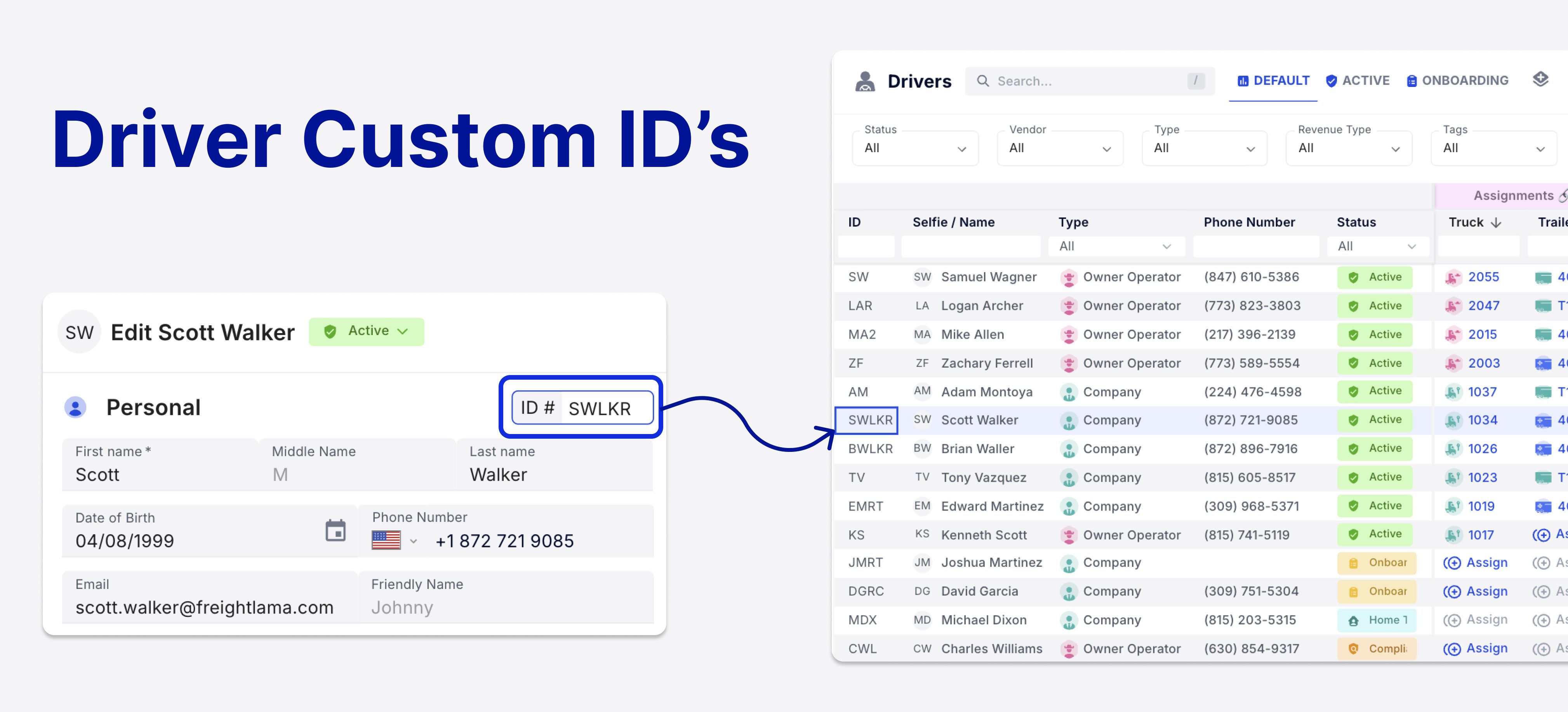
Editable Driver IDs
Assign and edit unique Driver IDs to distinguish between drivers with similar names. IDs now display across driver pages for better accuracy.
Organization & Customization
Custom Field Filtering, Sorting & Export
Custom fields are now fully integrated: add them to table views, filter by them in databases, sort columns, and include them in exports. Your internal organization, your way.
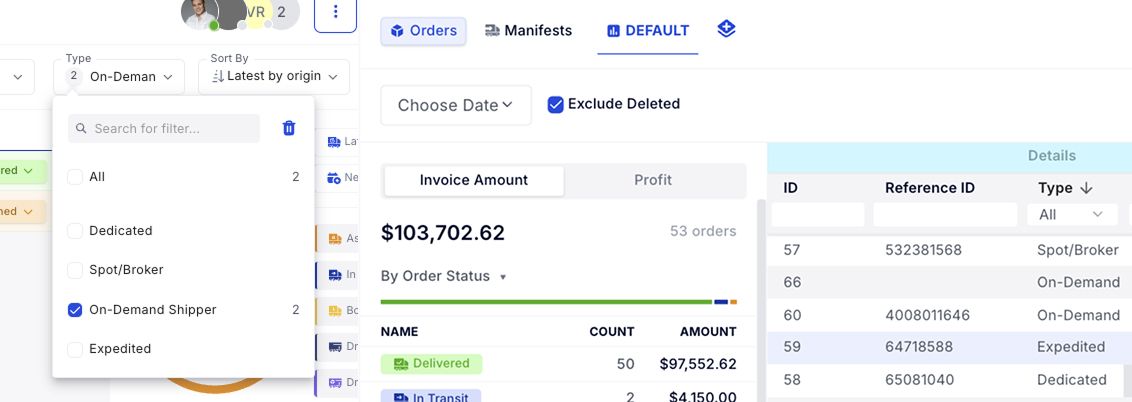
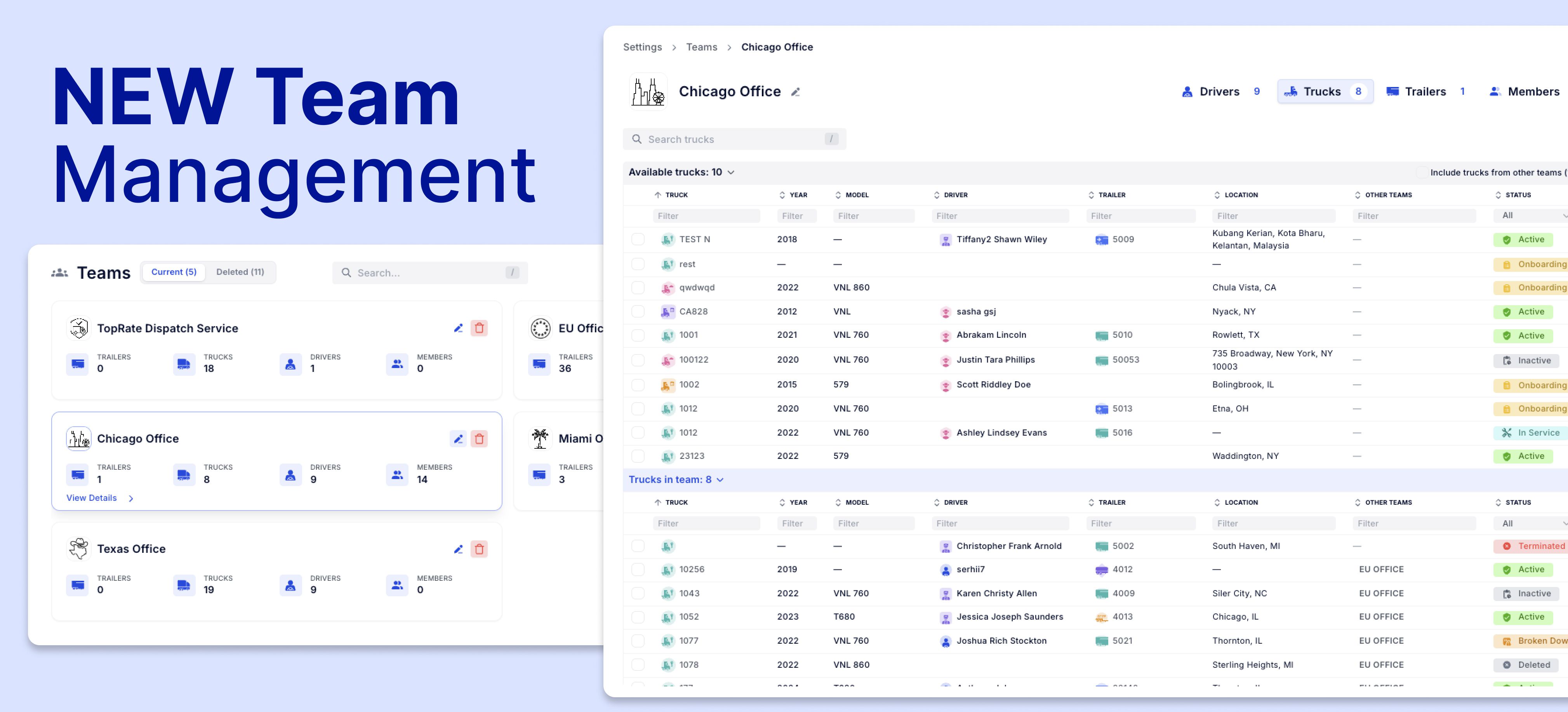
Updated Team Management UI
Assign and unassign assets, drivers, and users to internal departments with a cleaner, more intuitive interface. Managing multiple teams is now more effortless.