September 11th, 2025
New
Improved
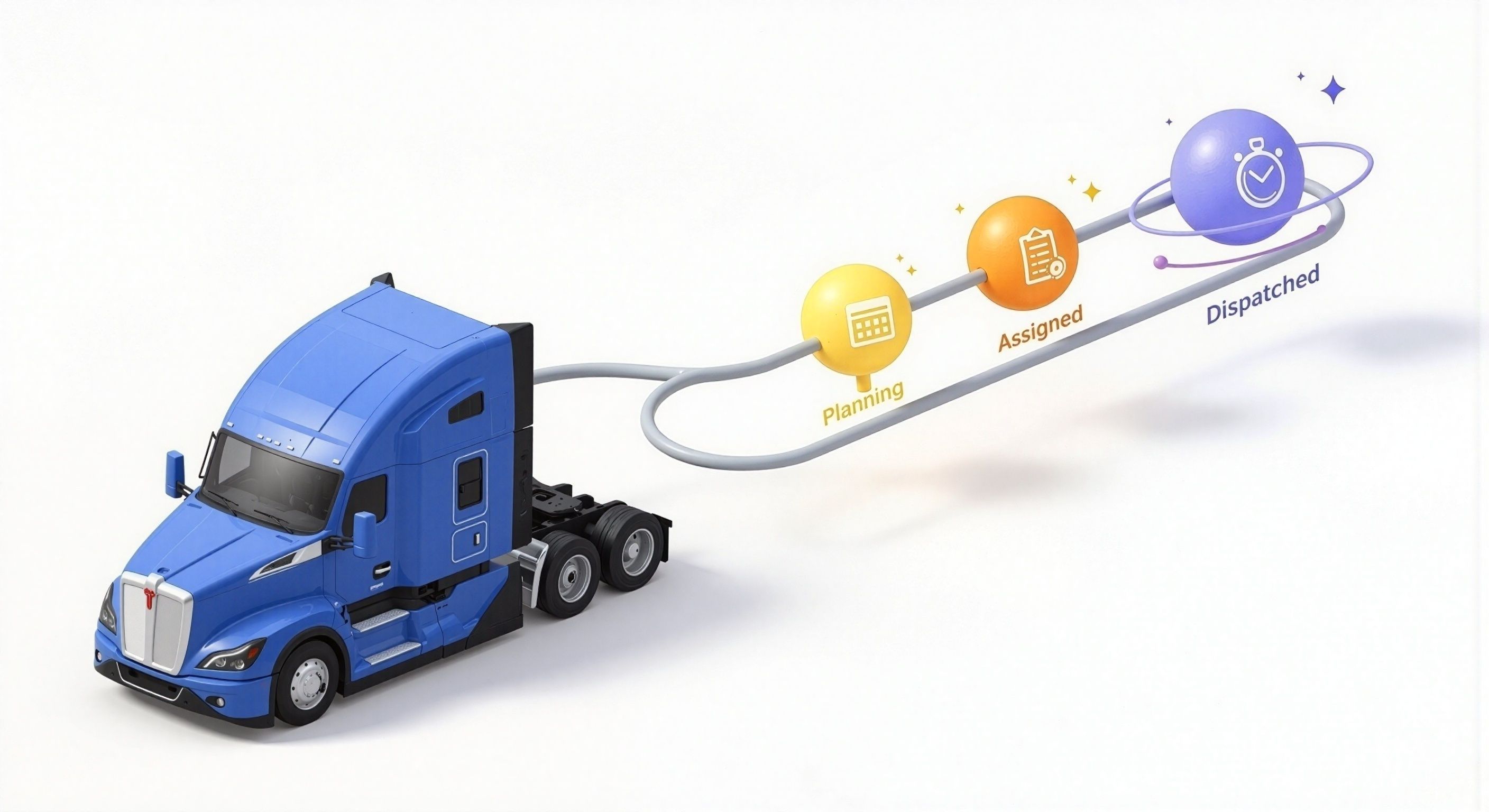
Driver View Control — Hold Preassigned Loads Until You’re Ready to Dispatch
New “Dispatched” status gives you full control over when a load appears in the Driver App—perfect for preassigned loads and high-volume fleets.
Let’s say you’ve preassigned 3 loads to a driver—but only want them to see one at a time. Now, with “Dispatched” as a separate step after “Assigned,” you decide when it becomes visible.
What’s new?
Adds a new “Dispatched” status after “Assigned”
Driver only sees the load once it's marked Dispatched
Assignment alone no longer pushes to driver app
Impact
Prevents driver confusion with too many early notifications
Helps dispatchers pre-plan with less back-and-forth
Ideal for drop/relay, high-volume, or preplanned freight
How to use
Enable company-wide in Settings → Status Config.
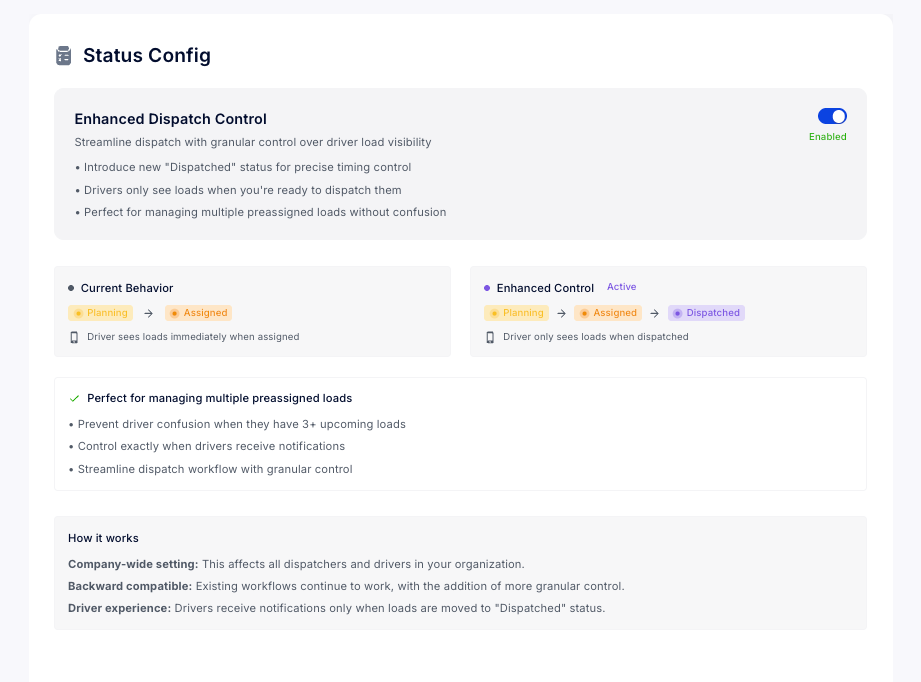
Switch manifests to “Dispatched” when ready to notify.
Next steps
Explore this setting in Status Config