September 8th, 2025
New
Improved
Feature
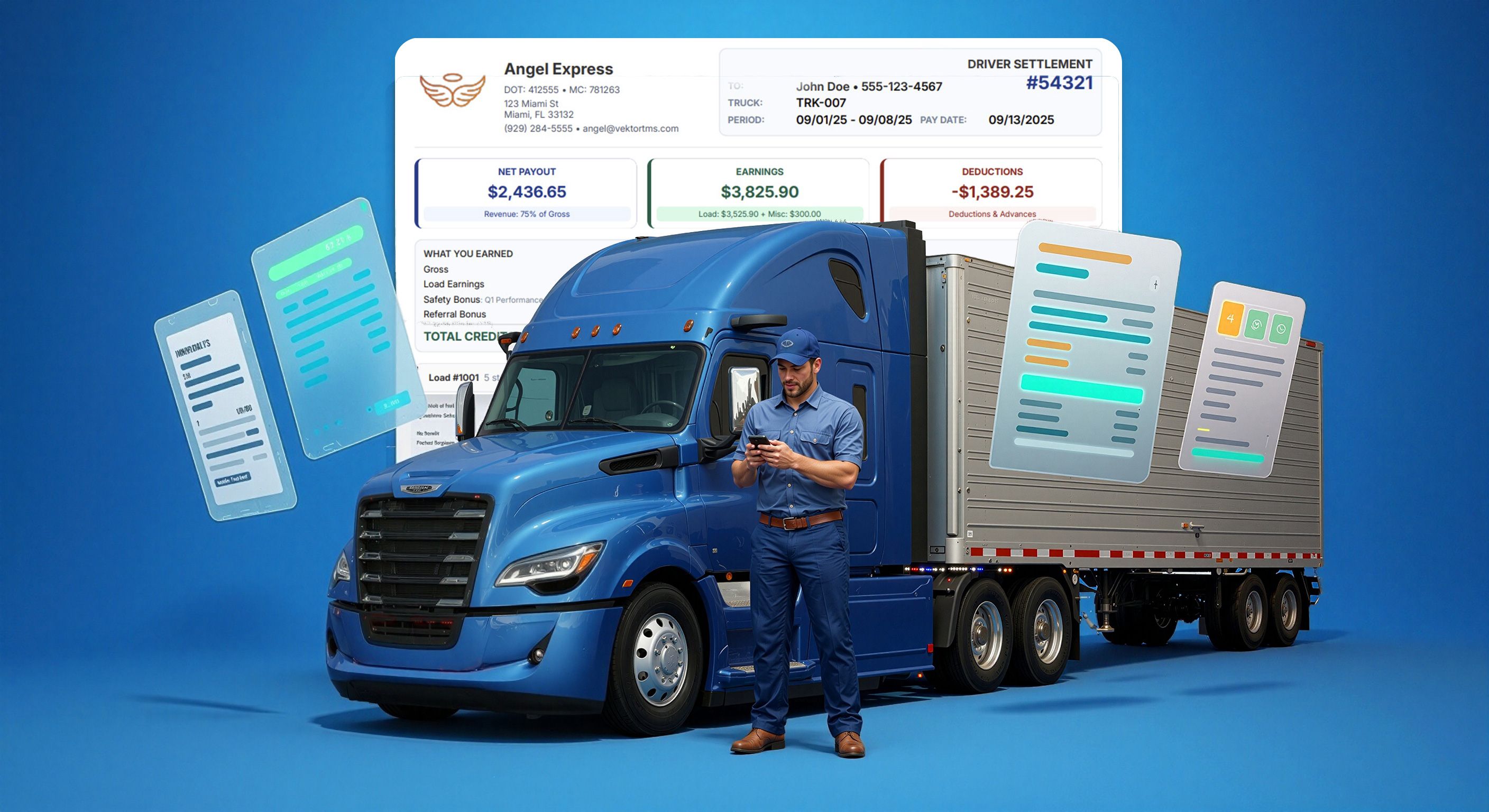
Settlement Templates - Configure How Drivers See their Pay
We’ve reengineered how driver and vendor settlements get styled and structured. Now you can pick from multiple PDF templates—and decide, line by line, what gets shown—based on driver type, vendor, or company and preview changes in Real-Time.
This lets you tailor settlements to your audience: simplified for drivers, detailed for owner operators. All in one place. All fast.
What’s new?
• Configure settlement display settings by driver type
• New template selector for driver, vendor, and company P&L’s
• 14+ configurations: gross pay, miles, credits, fuel, tolls, extra stops, breakdowns
• 4 professional settlement styles: Formal, Balanced, Visual, Visual Strict
• Preview and PDF load speeds have been significantly improved
Styles included
🖤 Formal — clean black & white, designed to be print optimized & PDFs
⚖️ Balanced — our original template, minimal, compact, used as default; now fully configurable
🎨 Visual — clear layout, color-coded for driver transparency
🧩 Visual Strict — hybrid of visual style + balanced layout; most compact of all
How to use
1. Go to:Settings → Document Templates → Settlements
2. Pick a role:
Driver / Vendor / Company → + New Template
3. Choose configuration settings:
Show Company Logo
Show Miles
Hide Vendor's Driver Name
Show Gross Pay
Show All Stops (incl. mid‑route multistops)
Show Stop Time (toggle between time or date)
Pay Breakdown (e.g., loaded & empty miles)
Calculation Details (formulas for qty × rate)
Extra Stop Items Only (for cleaner display)
4. Add extras (if supported by template):
Breakdown: Credits / Debits / Fuel / Tolls